DisCorkie 1.7.8: Notifications and Visual Updates
With version 1.7.8, we have refined that experience to keep you not just connected, but truly in sync. We built a comprehensive notification system and enhanced the visual interface to give you total control over your feed.


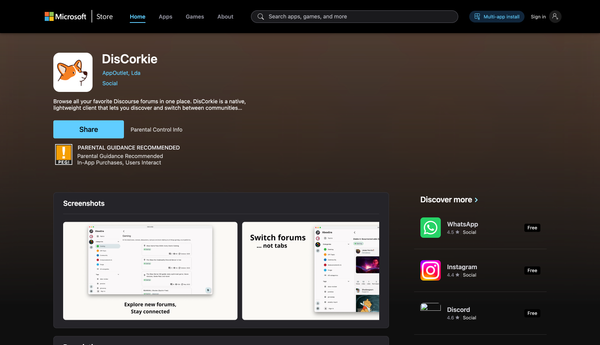
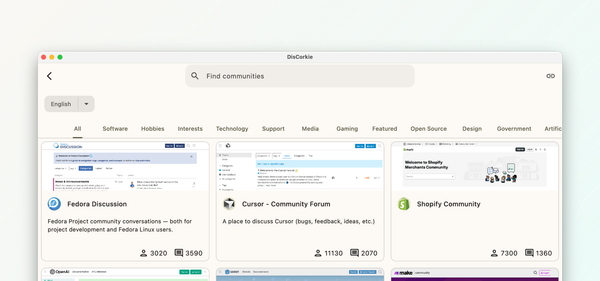
DisCorkie transforms how you experience online communities. By bringing all your favorite Discourse forums into one unified, powerful mobile app, we ensure you stay connected to the conversations that drive your interests, wherever you go.
With version 1.7.8, we have refined that experience to keep you not just connected, but truly in sync. We built a comprehensive notification system and enhanced the visual interface to give you total control over your feed.
Notification System
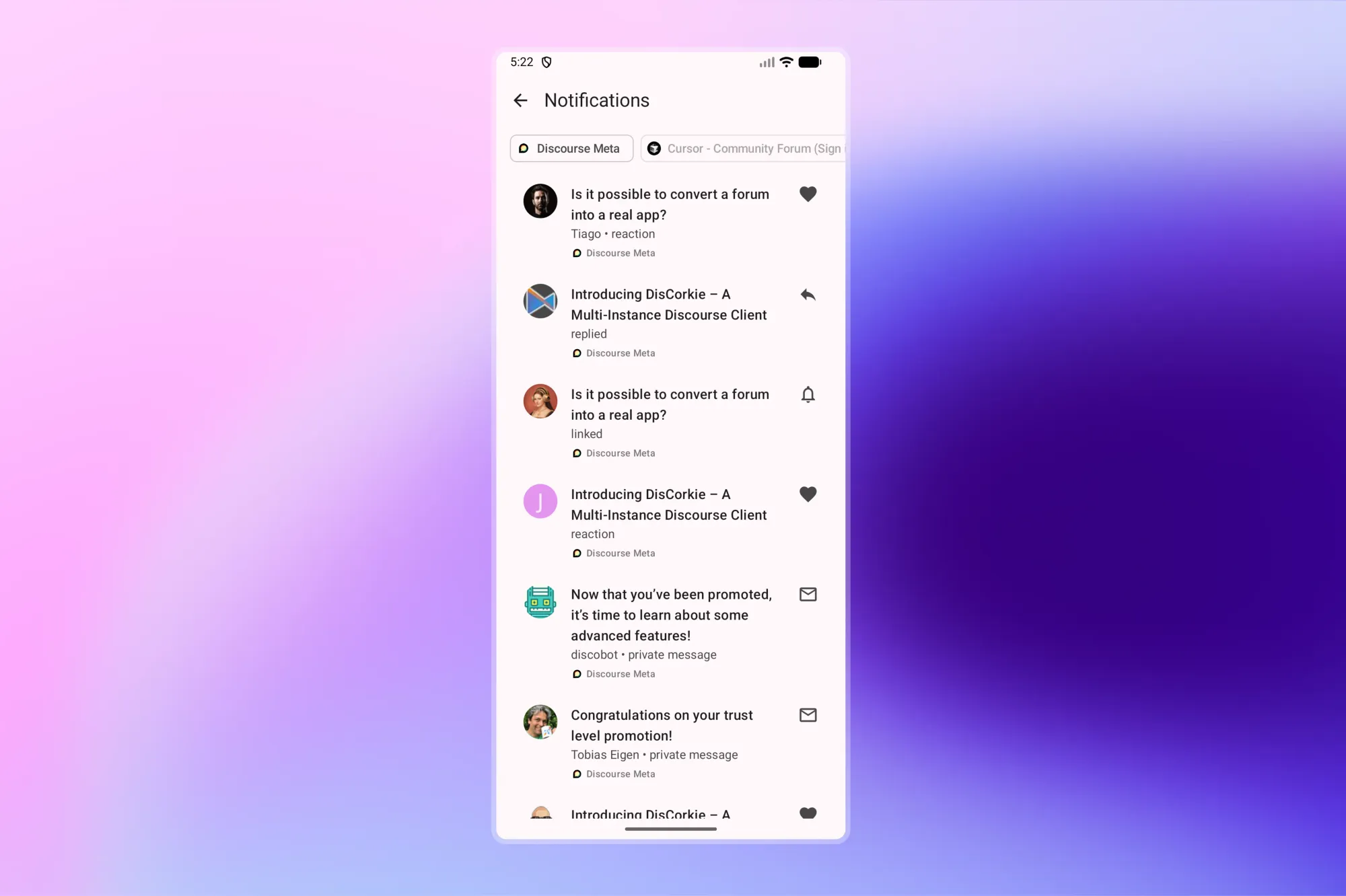
Stay engaged without the hassle of constant refreshing. You no longer need to manually check threads to see if a conversation has moved forward. The new system keeps you in the loop by alerting you when:
- Someone replies to your topics
- You are mentioned in a post
- There is activity in threads you are following
You can access the notification center from anywhere in the app. Once you are caught up, a single tap marks everything as read, letting you get back to your day.
Visual Indicators
We overhauled the interface to strip away the noise and highlight what is important.
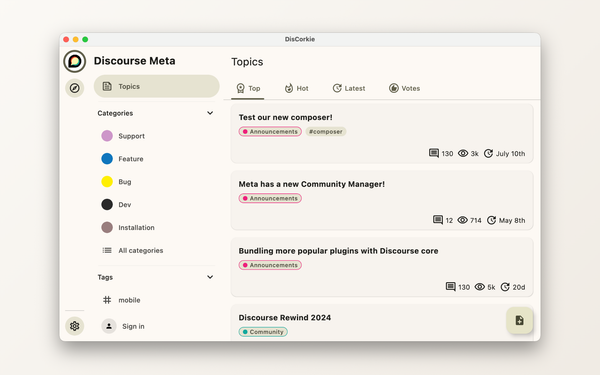
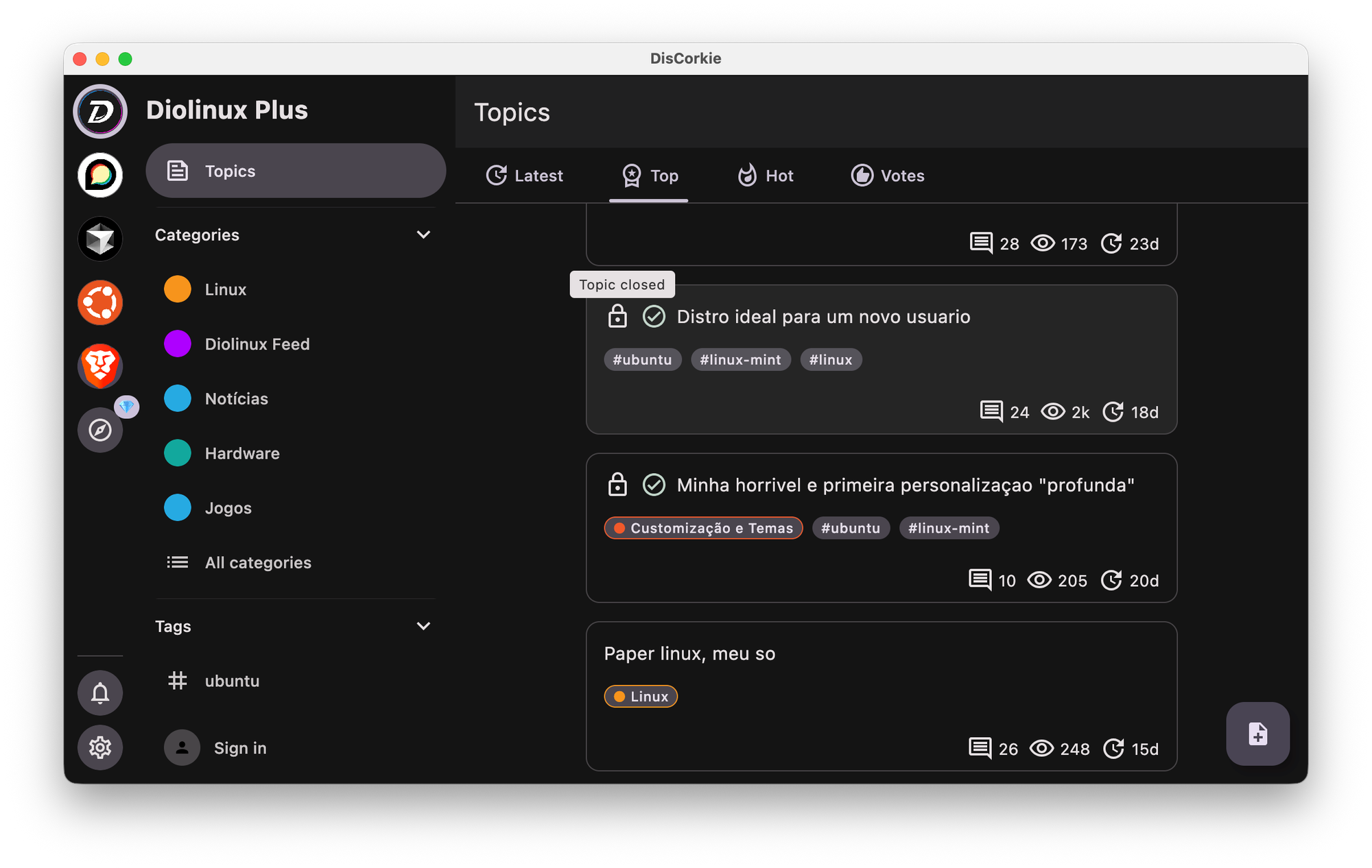
- Status Icons: Browse with clarity. Immediately see if a thread is Pinned, Closed, or has Unread content.
- User Flairs: Personality matters. Flairs now appear on posts, providing instant context about who is speaking.
- Accepted Answers: Save time when browsing Q&A topics. The solution is now highlighted prominently so you can find the answer you need without scrolling through the entire discussion.
Content Creation
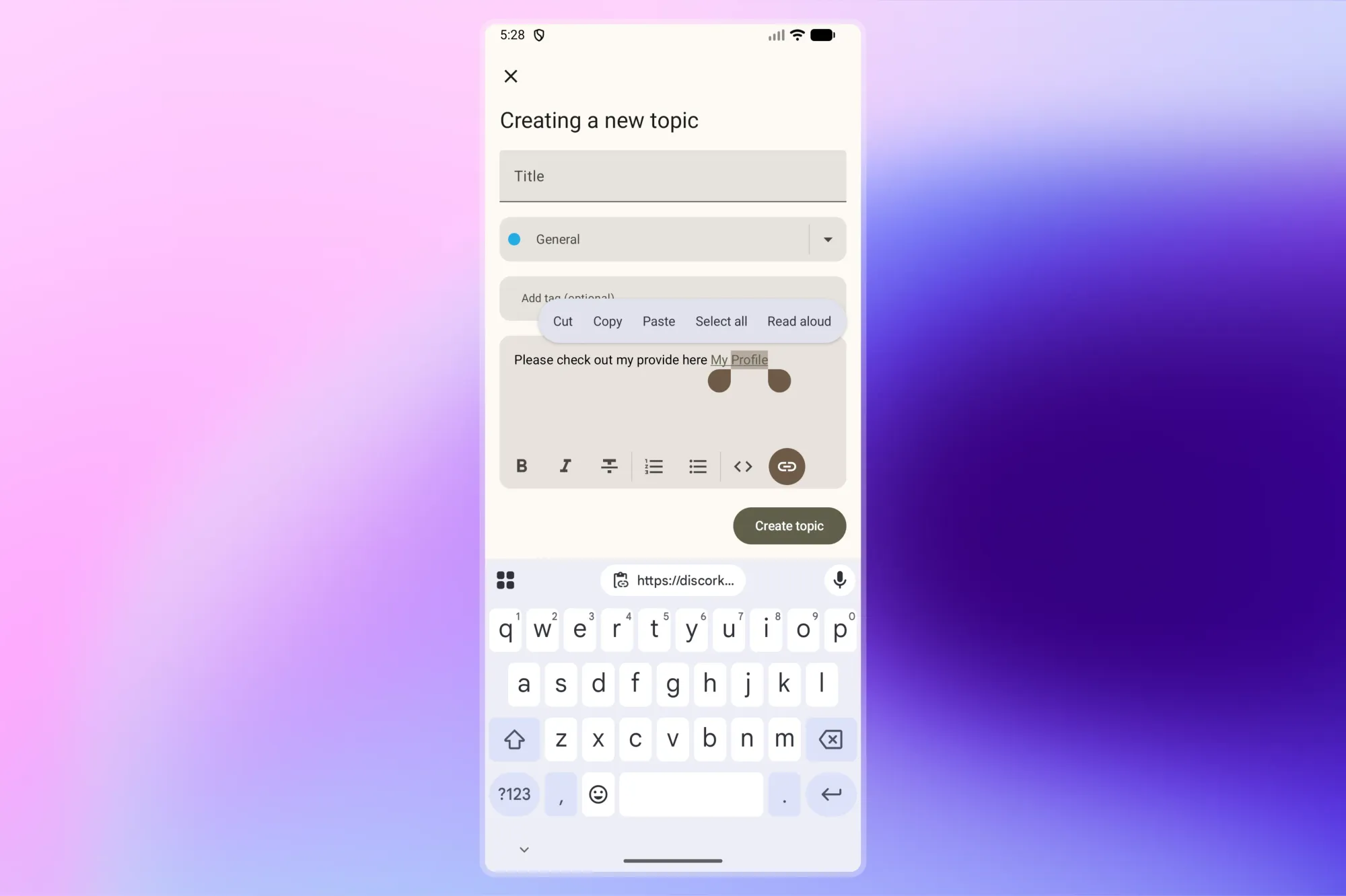
Your voice matters, so we made it easier to share it. The text editor now features a link insertion tool, allowing you to format clickable resources cleanly and professionally.
We also streamlined how you start conversations. When you create a new topic, DisCorkie intelligently fills in categories and tags based on your location in the forum, saving you steps every time you post.
Profile Badges
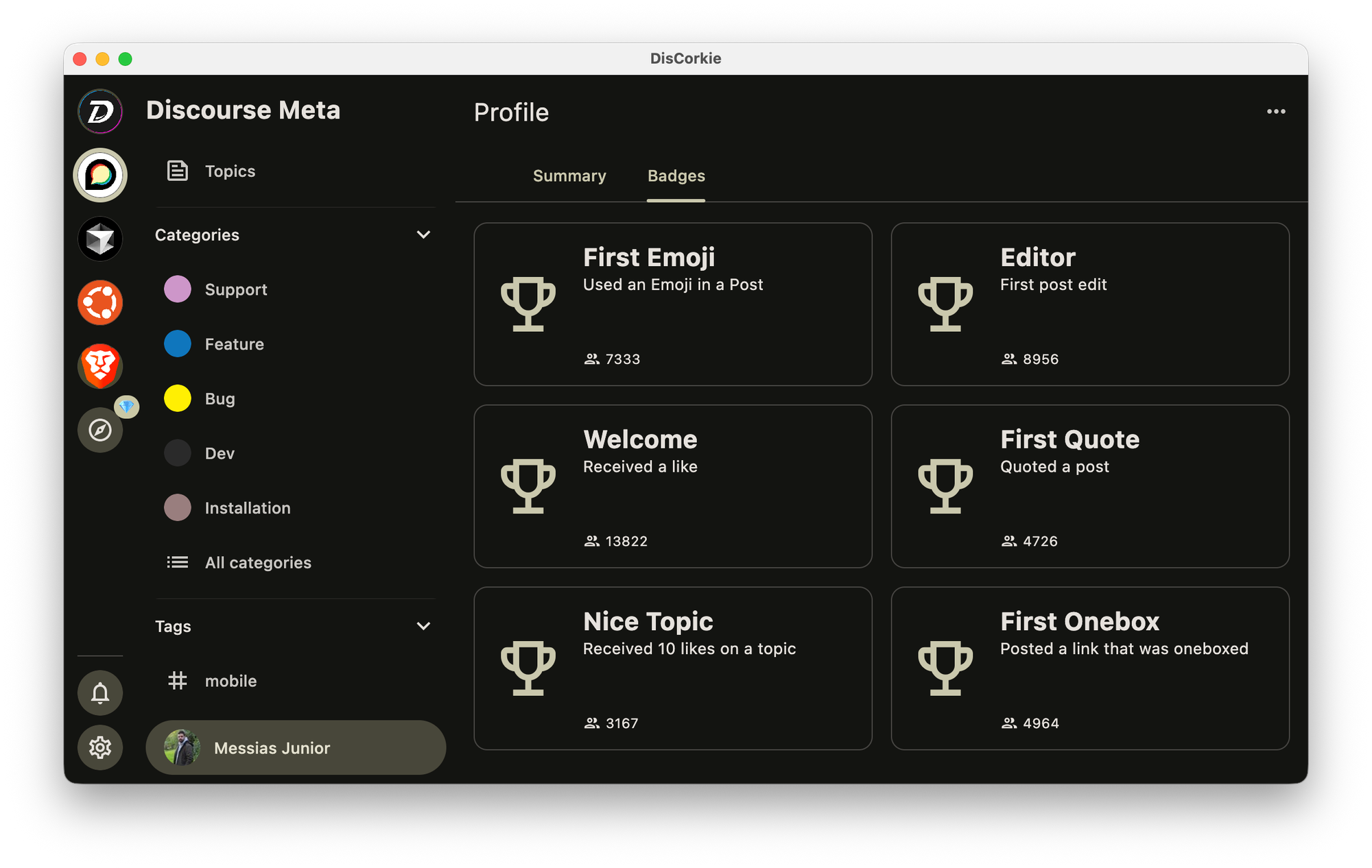
Celebrate your standing in the community. The new Badges screen in your profile gathers all your earned achievements in one place, visualizing your journey and contributions.
Other Improvements
We added a "scroll to top" button to make navigating long threads seamless and refreshed the About screen for better clarity.
Under the hood, we modernized the app architecture to ensure a faster, more stable experience. We also resolved image display issues in topics and updated translations for all supported languages.
Ready to Upgrade?
Experience the most polished version of DisCorkie yet. Update today to unlock real-time notifications and enjoy a smoother, smarter way to connect.
Download the latest version of DisCorkie now!